

Phone keeps losing signal - what to check before a repair
18 March 2021 · 3 min read
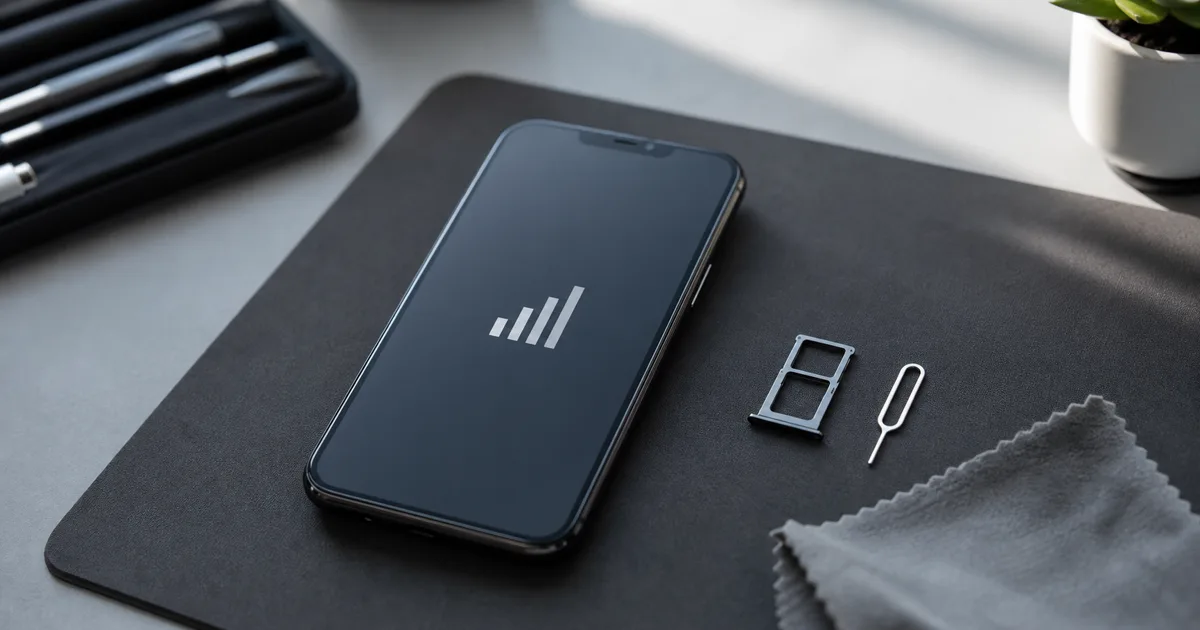
If the phone loses signal only occasionally, the antenna is not always to blame. First check the SIM card, network mode, operator settings and the locations where the problem occurs. A hardware fault becomes more likely only after these causes have been ruled out.
First, determine when your phone loses network
A phone that loses signal only in a basement or outside town suggests a different cause than one that drops the network in the city centre while nearby phones work normally. This information is often more useful during diagnosis than a list of settings changed at random.
- If the problem only appears in one place, a weak carrier network may be to blame.
- If the problem occurs after the phone has been dropped, the antenna, antenna connector or board are suspect.
- If the problem occurred after moving the SIM card to a new phone, check the network mode and operator settings.
- If the phone shows signal bars but cannot make a call, the problem may involve VoLTE, the SIM card or network configuration.
Check the SIM card in another phone
The simplest test is often the best: move the SIM card to another phone and see whether the problem persists. If the second phone also loses the network, the card, operator or local signal may be responsible. If it works normally, the original phone needs a closer look.
An old SIM card can work for years, but over time it may cause problems. If the card was cut by hand or has visible signs of wear, it is worth replacing it with the operator.
Change the network mode to a simpler one
New smartphones like to stick to LTE or 5G, even when calls would be more stable on a simpler mode. In the mobile network settings, you can test select 4G/3G/2G or 3G/2G, depending on your phone model.
- Go to Phone Settings.
- Open Cellular or Connections.
- Select the SIM card you are using.
- Change your preferred network type and check chats in the same place.
When to suspect a phone problem
Visit a repair service when the phone starts losing signal after a fall, liquid damage or screen replacement, or when other phones on the same network work properly nearby. A phone that detects the SIM card but cannot register on the network also needs diagnosis.
Frequently asked questions
- Why does my phone sometimes have signal and then lose it?
- Most often, the phone switches between transmitters or network modes. The cause may also be a weak SIM card, a case that attenuates the signal, a settings error or a damaged antenna.
- Can a case impair range?
- Yes, especially very thick, metal or magnetic cases. It's worth removing the cover and checking the phone for a few calls.
- Does resetting network settings help?
- Often helps with misconfiguration. The reset erases your saved Wi-Fi, Bluetooth and cellular settings, so you'll need to reconnect to your home Wi-Fi after it.
- Sklep Sympatia team, Łomża
Does your phone still keep losing signal? Bring it to Sklep Sympatia at ul. Krótka 3 in Łomża. We will check the SIM card, settings and the phone itself.
Ask about diagnostics