

No signal on your phone - SIM card, settings or a fault?
24 September 2020 · 3 min read
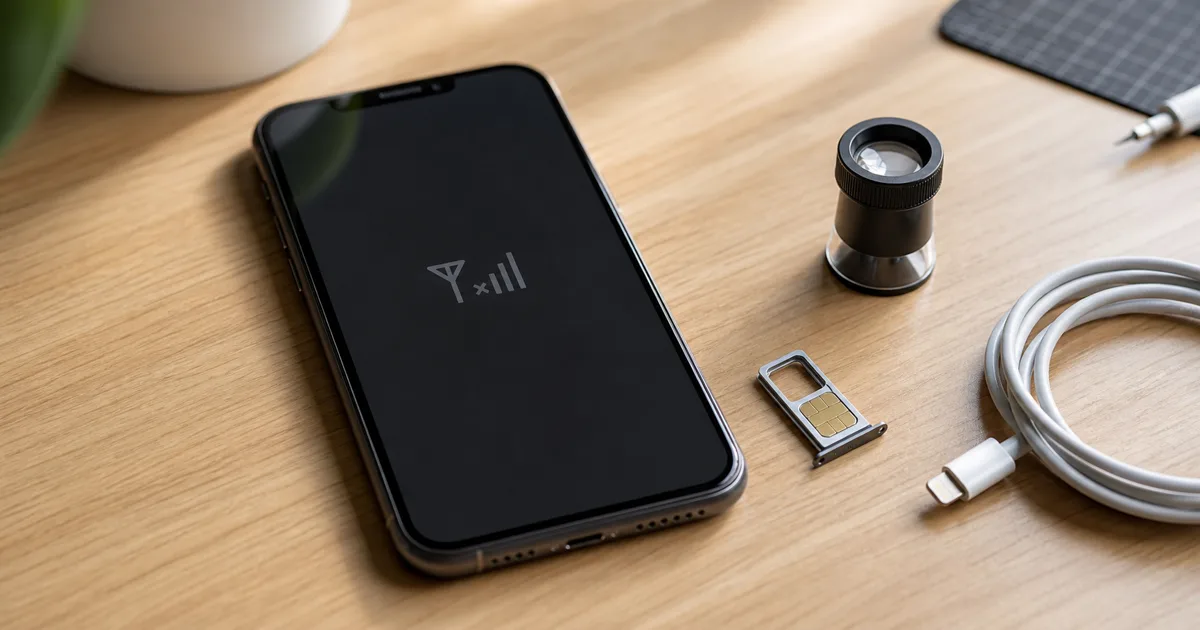
No signal can be caused by the SIM card, network settings, an operator outage or a fault in the phone itself. The quickest way to narrow it down is to test your SIM in another phone and another working SIM in your phone.
Start with simple things
Before you take your phone to the service center, do a few simple tests. It sounds simple, but many phones come back online after restarting or turning off airplane mode.
- Turn your phone off and on.
- Check if airplane mode is enabled.
- Remove the SIM card and reinsert it.
- Check if your phone is blocked or in debt to your operator.
- Select your operator manually in the network settings.
- Reset network settings if the problem occurred after the update.
How to distinguish a SIM card problem from a phone fault
The best test is to swap cards. If your SIM card does not work in any phone, the problem is most likely with the card or operator. If each card has a problem only on your phone, you need to check the device itself.
- The SIM card is to blame: it does not work in another phone, it is old, scratched or has been cut.
- Settings to blame: the problem occurred after updating, changing operator, roaming or resetting the phone.
- The phone is at fault: other cards do not work either, the phone was dropped, flooded or repaired.
What does the message no service or emergency only mean?
The "no service" message usually means that the phone has not logged in to the carrier's network. The "emergency only" message says that the phone sees some network in the area but cannot use it for normal calls.
If your phone suddenly loses reception after being dropped, do not insert or remove the SIM card ten times in a row. It is better to get a diagnosis, because mechanical damage can easily deepen.
When to come to the service center
It is worth visiting the service center when the phone does not recognize any SIM card, the card works in another device, and resetting the network settings does not help. We then check the SIM reader, antenna, internal connections and symptoms on the board side.
Frequently asked questions
- Does no signal mean the antenna is damaged?
- Not always. Antenna is one possibility, but first you need to check the SIM card, network settings, operator and whether the problem occurs in different places.
- Why does the phone see the SIM card but there is no network?
- The SIM reader may be working, but the problem may still be related to logging in to the operator's network, settings, number blocking or the antenna part of the phone.
- Can this be checked immediately in the store?
- In many cases, yes. At the Sympatia store and service center in Łomża, we can check the basic settings, SIM card and phone symptoms on the spot.
- Sklep Sympatia team, Łomża
You don't have reception and you don't know whether the SIM card or the phone is to blame? At Sympatia, we will check it on site and advise whether configuration, card replacement or repair is enough.
Check your phone