

How to transfer data to a new phone: iPhone and Android
17 July 2026 · 9 min read
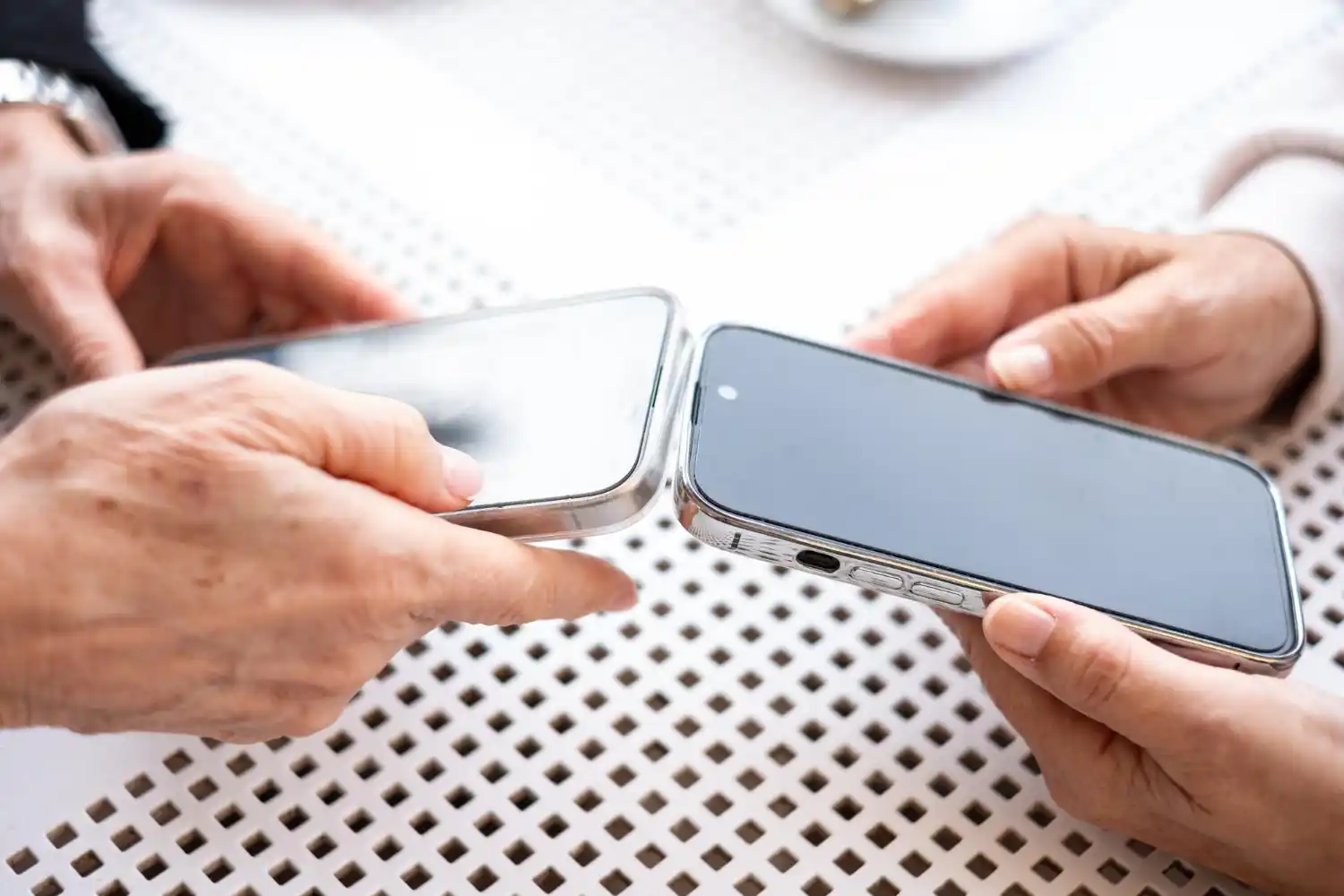
The safest way to transfer data when you first set up your new phone is when both devices are charged, unlocked, and connected to Wi-Fi. A cable usually provides a more stable transfer than a wireless connection. Contacts, photos and messages are transferred most easily, while banking applications, passwords and some program data often require re-logging or activation.
Is fifteen minutes really enough? With a small number of photos, this is often the case, but a large gallery, videos and instant messaging history may take much longer to copy each other. It is worth preparing the phones and starting the proper transfer in 15 minutes, rather than promising that every migration will be completed within this time.
Before you start transferring data
- Charge both phones at least halfway and connect them to power if the transfer will take longer.
- Check if you know your old phone's lock code and password for your Apple or Google account.
- Update the system and applications on your old device.
- Make sure your new phone has enough memory for photos, videos and files.
- Make a fresh copy in iCloud, Google One, Google Photos or on your computer.
- Don't erase your old phone until you check your contacts, photos, messages and important apps on your new one.
Which way to choose for iPhone, Samsung and other phones
The most reliable methods of transferring data between popular phones
iPhone → iPhone
- The best method
- Apple Quick Start or iCloud backup
- What's worth knowing
- The most complete transfer in the Apple ecosystem. Keep both devices close to each other and under power.
Android → Android
- The best method
- Copying during setup, via cable or Wi-Fi
- What's worth knowing
- The Google Account will restore a copy, but not every app gives back all of its own data.
iPhone → Samsung Galaxy
- The best method
- Samsung Smart Switch, preferably wired
- What's worth knowing
- The cable usually carries more data than importing only from iCloud. On iPhone, you need to trust the connection.
iPhone → Pixel or other Android
- The best method
- Copying data on first Android startup
- What's worth knowing
- Depending on the model, a cable, QR code or Android Switch application is available.
Android → iPhone
- The best method
- Move to iOS app during iPhone setup
- What's worth knowing
- The new iPhone should still be on the first setup screen. After starting previously, you may need to erase and start over.
| Old and new phone | The best method | What's worth knowing |
|---|---|---|
| iPhone → iPhone | Apple Quick Start or iCloud backup | The most complete transfer in the Apple ecosystem. Keep both devices close to each other and under power. |
| Android → Android | Copying during setup, via cable or Wi-Fi | The Google Account will restore a copy, but not every app gives back all of its own data. |
| iPhone → Samsung Galaxy | Samsung Smart Switch, preferably wired | The cable usually carries more data than importing only from iCloud. On iPhone, you need to trust the connection. |
| iPhone → Pixel or other Android | Copying data on first Android startup | Depending on the model, a cable, QR code or Android Switch application is available. |
| Android → iPhone | Move to iOS app during iPhone setup | The new iPhone should still be on the first setup screen. After starting previously, you may need to erase and start over. |
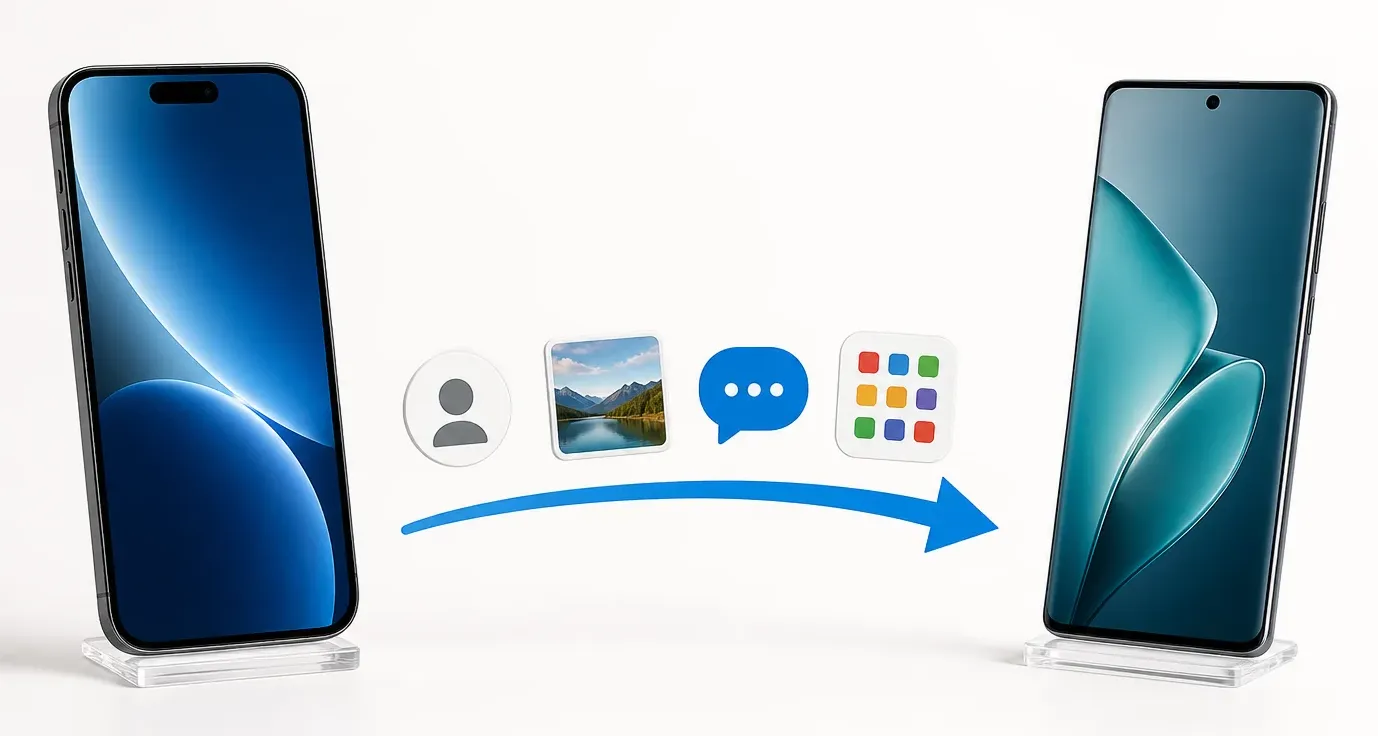
How to transfer data from iPhone to Android
This procedure works well when switching between popular models, for example from iPhone 13, 14, 15, 16 or 17 to Samsung Galaxy A56, A57, S25 or S26, Google Pixel 9 or 10, as well as modern Xiaomi and Motorola phones. The names of the screens may be slightly different, but the principle remains similar.
- On iPhone, turn off iMessage and FaceTime to prevent new text messages from being forwarded to Apple services.
- Boot up your new Android phone and select iPhone as your old device on the data backup screen.
- If you can, connect the phones with an appropriate cable. On Samsung, Smart Switch will launch and the Pixel or other Android will guide you through its own wizard.
- Unlock your iPhone, select Trust and enter its lock code.
- Select contacts, photos, videos, messages, calendars and other available items.
- Do not disconnect the cable or turn off Wi-Fi until both devices confirm completion.
- Finally, check photos, contacts, SMS and log in to important applications again.
Photos visible on iPhone are not always physically saved in its memory. If you have iCloud optimization turned on, some of your originals may only be in the cloud. Then sync them to Google Photos first, or have Apple transfer a copy of your library to Google Photos.
Smart Switch can transfer contacts, photos, videos, messages and some settings from iPhone. However, it does not copy Apple Keychain. Apps available on Android are usually reinstalled from Google Play, rather than ported as ready-made, logged-in programs.
Transfer procedures and scope may change with system updates. Checked against official instructions: Android - phone change · Samsung Smart Switch
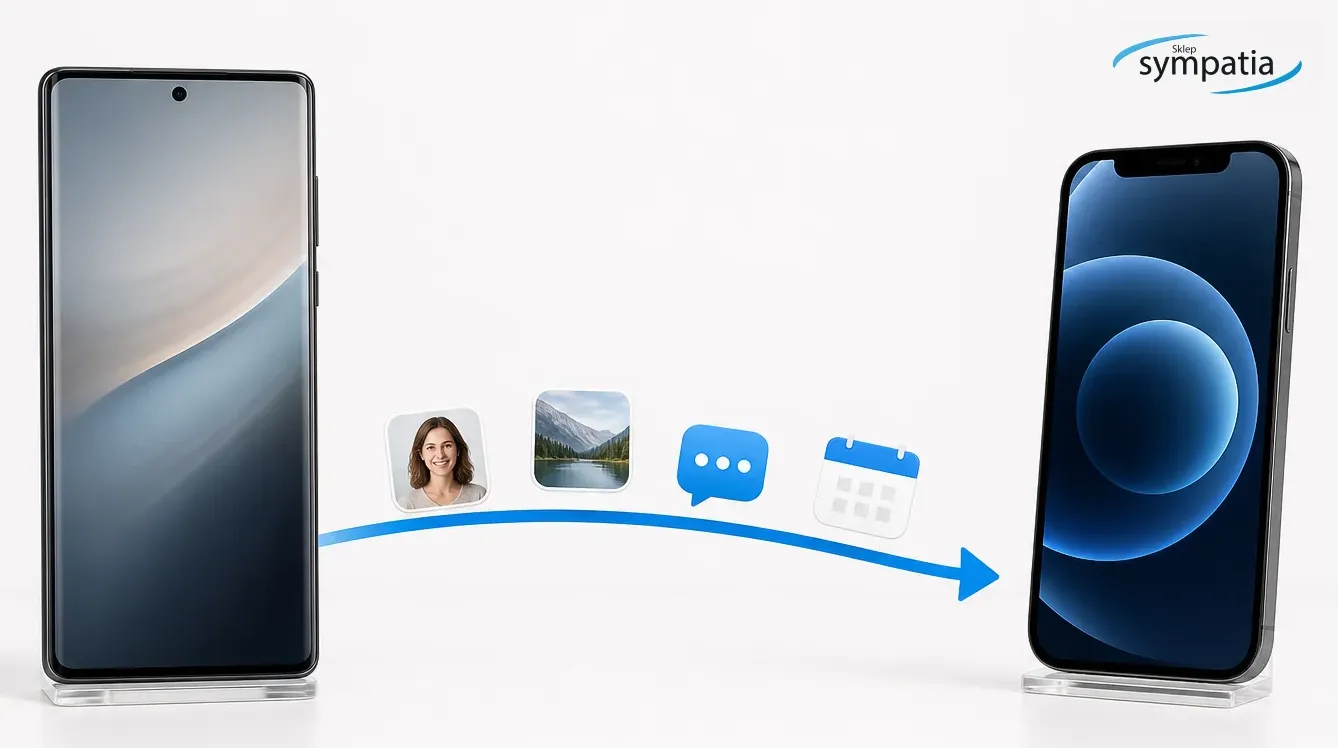
How to transfer data from Android to iPhone
To switch from Samsung Galaxy, Google Pixel, Xiaomi, Motorola or other Android to iPhone, use the Move to iOS app. It's best to use it before you finish setting up your iPhone for the first time.
- Connect both phones to power, turn on Wi-Fi and check if the data will fit in the iPhone's memory.
- On iPhone, go to the App & Data Transfer screen, then select Android Transfer.
- On your old phone, launch Move to iOS and connect your devices using the code or method shown on the screen.
- Select contacts, messages, photos, videos, calendars, files and other available data.
- Leave both phones alone until the progress bar on the iPhone reaches the end.
- After configuration, download the missing applications from the App Store and check login to the bank, e-mail and instant messengers.
Apple states that the supported transfer may also include WhatsApp history, call history, recordings and some of the free applications available in both stores. However, this does not mean that every program will retain its local settings or active session.
The current scope of data and requirements is described by the manufacturer: Apple - switching from Android to iPhone
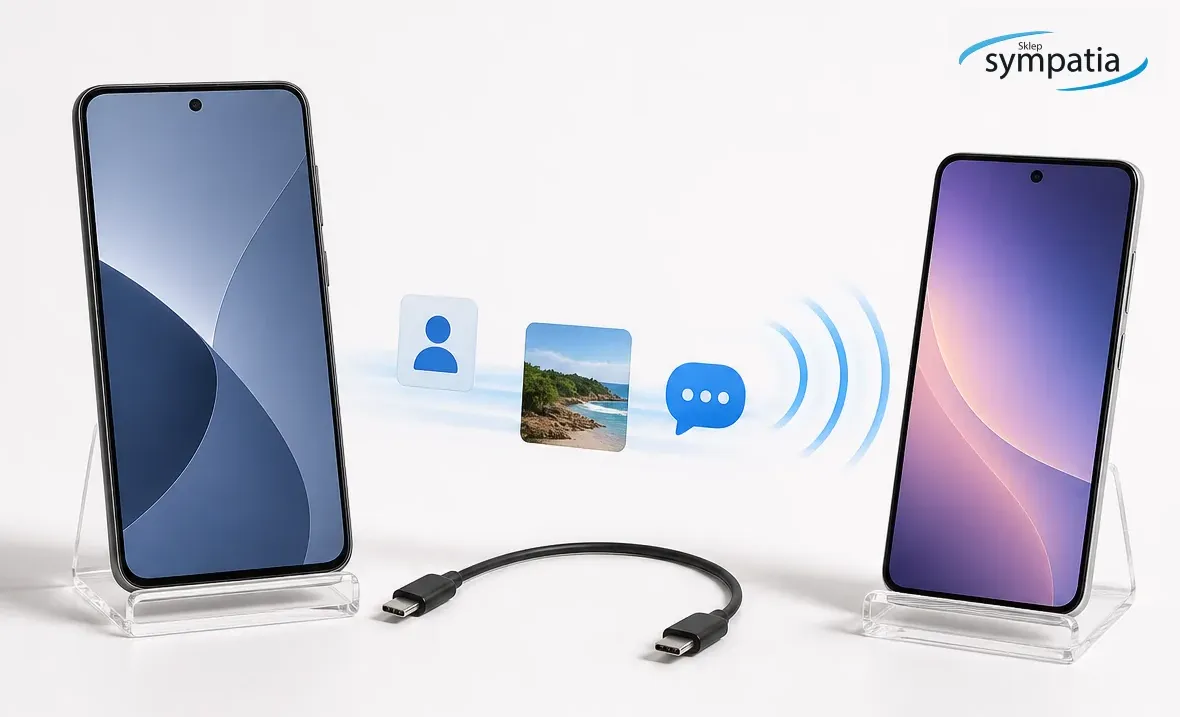
How to transfer data from Android to Android
When changing the Samsung Galaxy A55 to A57, Galaxy S24 to S26, Pixel 8 to Pixel 10 or a Xiaomi or Motorola phone to a new Android model, it is most convenient to use the wizard launched on the new device. Phones can be connected via cable or wirelessly. Google recommends logging in to the same account and making a backup before you start.
- On your old phone, go to Settings, Google, Backup and select Back up now.
- Turn on the new phone, select copying applications and data and select the old Android device.
- Scan the QR code or connect the phones with a cable according to the prompts.
- Unlock the old phone and confirm copying.
- Select the data range, wait for it to finish and then wipe the old device.
Files from hidden folders, non-Google Play programs, some downloaded documents, and application data that do not support Android backup may not be copied. Contacts saved in your Google account will sync after you log in. Contacts saved only on the SIM card or in the phone's memory should be checked separately.
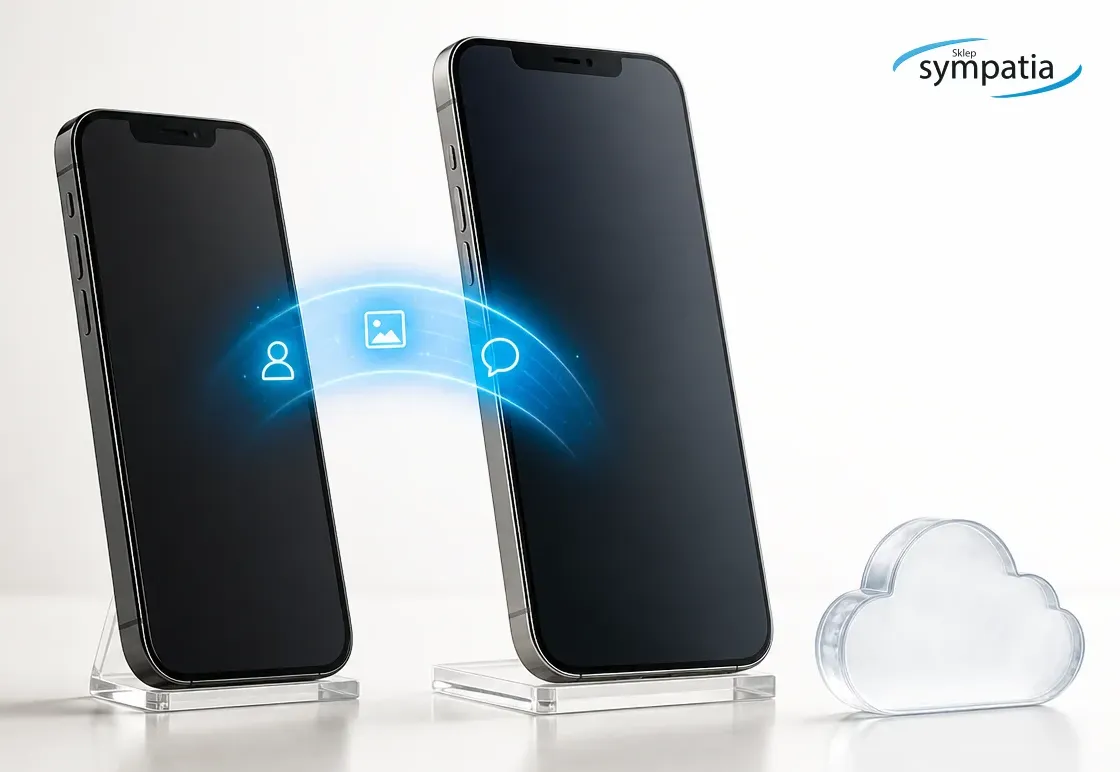
How to transfer data from iPhone to iPhone
When changing from iPhone 13 or 14 to iPhone 16, 17 or a newer model, Quick Start is the most convenient option. The old iPhone should have Wi-Fi and Bluetooth enabled. Place the devices next to each other, turn on your new phone and follow the on-screen instructions. You can choose to transfer directly or download a copy from iCloud.
In direct transfer, both phones are busy until the end of copying. When restoring from iCloud, some applications and data may be downloaded in the background after starting the new device. In either case, keep your phones close to you and plugged in.
Official instructions for this method: Apple - Quick Start
What to check after the transfer is completed
- Does the number of contacts look correct and there are no duplicates.
- Are the oldest and newest photos and videos available.
- Whether SMS messages, call history and calendars have been copied.
- Does WhatsApp show correct conversations and media.
- Have banking applications, mObywatel and two-factor authentication been reactivated.
- Whether a phone number receives text messages after turning off iMessage and moving the SIM or eSIM card.
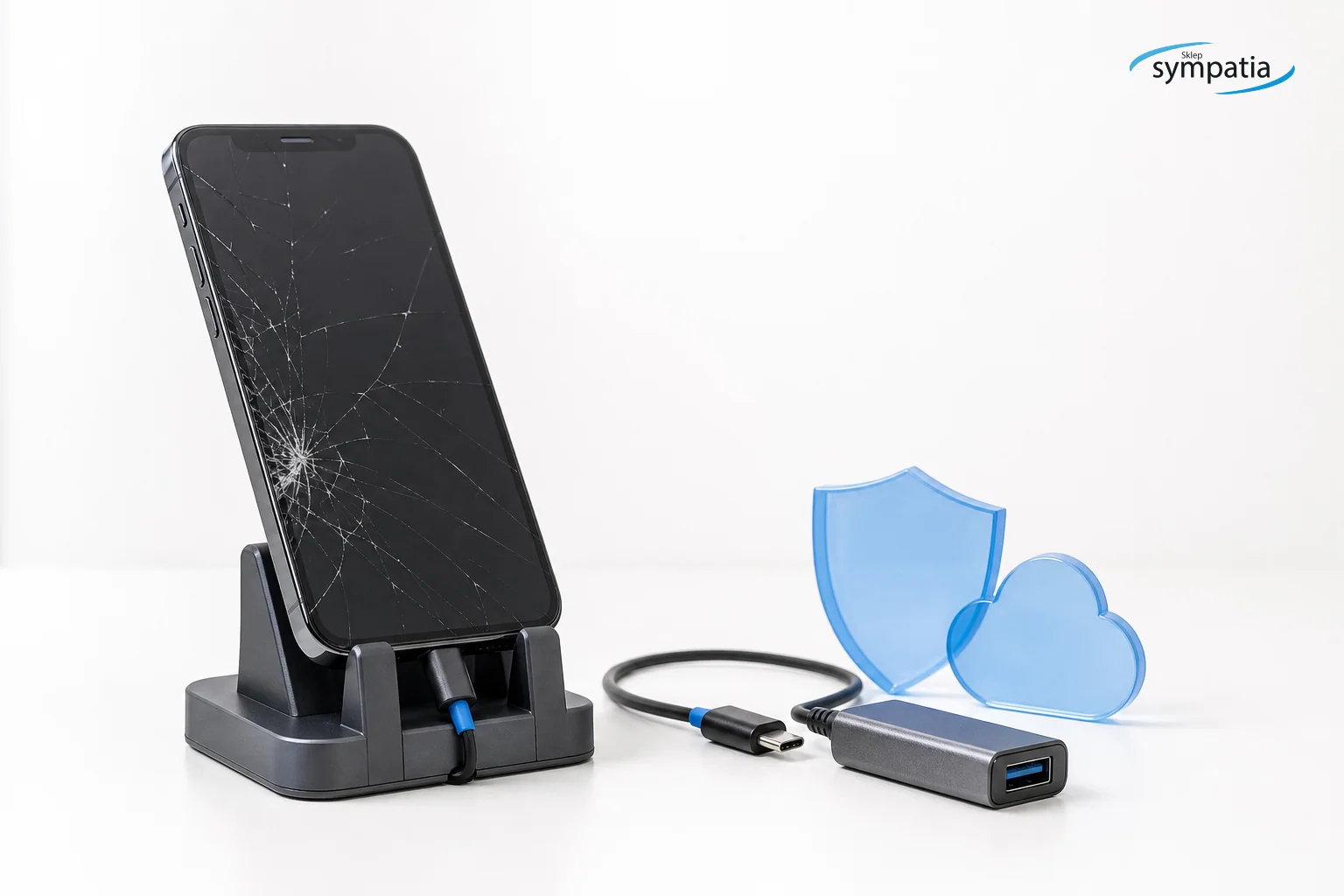
Is it possible to recover data from a blocked phone
If you don't remember your lock code and don't have a backup, you can't honestly promise to recover your data. Modern iPhones and Android phones encrypt storage, and a screen code protects access to keys. The official procedure for forgetting your code is usually to erase your device and restore an available copy.
If you care about your data, do not perform a factory reset immediately. First, check if your photos, contacts, or files are already in iCloud, Google Photos, Google Drive, or on your computer. Reset deletes data only stored on the phone.
The situation is different when you know the code, but your phone has a broken screen, a damaged socket or a problem with starting. Sometimes a repair that allows you to unlock your device again is enough to make a copy and transfer your data. Each case must be assessed separately, because the model, type of fault, memory status and previous copies are important.
Manufacturers clearly describe the consequences of forgetting the code: Apple - forgotten iPhone code · Android - unable to unlock
Assistance in data transfer in Łomża
If the independent transfer is stuck, you can bring your old and new phone to the Sympatia store at ul. Krótka 3 in Łomża. We will check which method suits specific models, help you evaluate your backups and go through the setup without erasing your old device before checking your data.
This also applies to people who did not find such help closer to themselves in Kolno, Zambrów, Ostrów Mazowiecka, Łapy or nearby towns. It is worth taking both phones, cables, passwords for your accounts and the lock code of the old device.
Frequently asked questions
- Is it possible to transfer all data from iPhone to Android?
- Not always everything. Typically, contacts, photos, videos, calendars and messages pass through, but Apple Keychain, logins, paid apps and some program data require separate configuration.
- How long does it take to transfer data to a new phone?
- From several minutes to several hours. The time depends primarily on the number of photos and videos, connection speed, cable used and the amount of data stored only in the cloud.
- Will WhatsApp transfer calls between iPhone and Android?
- Yes, supported versions of systems offer official WhatsApp history transfer, but you have to do it according to the messages during configuration. Simply installing the application on a new phone does not guarantee that calls will appear.
- Is it possible to transfer data from the phone without knowing the code?
- From the memory of a modern, locked phone, usually not. However, you can check existing copies in iCloud or your Google account. When the code is known but the device is damaged, sometimes a repair helps to unlock it again.
- What should I take to the store if I need help?
- Old and new phone, matching cables, old device lock code and login details for your own Apple or Google account. Do not delete your old phone before your visit.
- Sympatia store and service team, Łomża
Don't want to risk losing your photos or contacts? Bring your old and new phone to Sympatia in Łomża and we will help you choose the right way to transfer data.
+48 86 216 25 70